Edit Product Category
2 min
Add new product category
To add a new product category, go to "Inventory - Products" then click the symbol circled in red below to unfold the product category tree view.
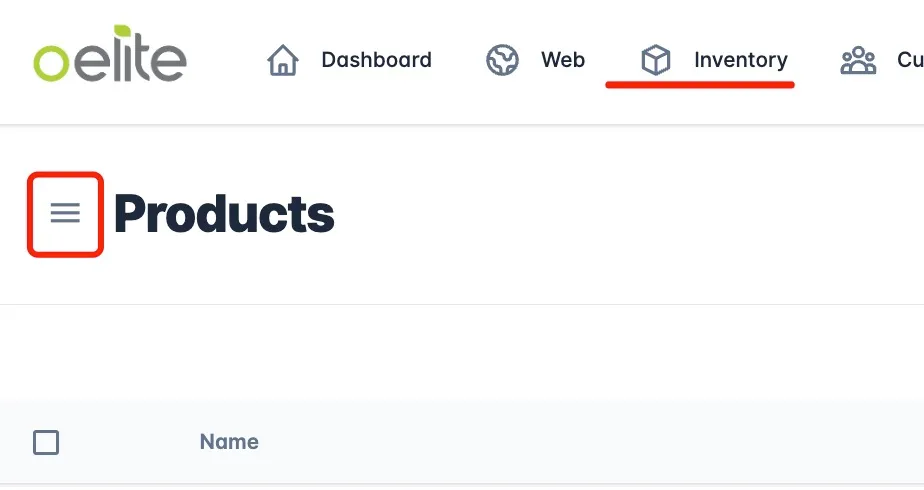
unfold produc category tree view
The product category tree view will look similar like below:
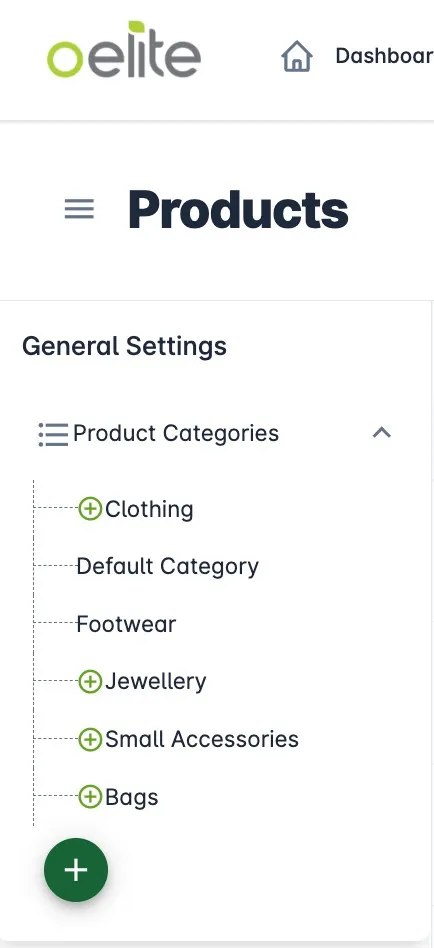
product cateory tree view
Click on the dark green + button to add a root category. Or select any category, where you can add a sub-category under it by clicking on the ligher green + button.
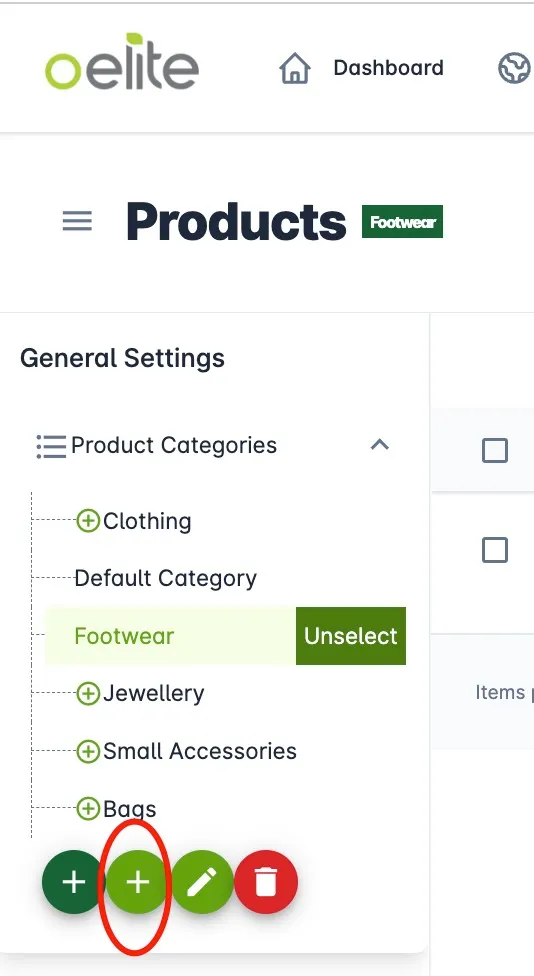
Add category/sub-category
Edit Exsiting Product Category
Select the category you wish to edit, then click on pencil button. In the pop-up window you can edit the category name and change the number to arrange the sorting order.
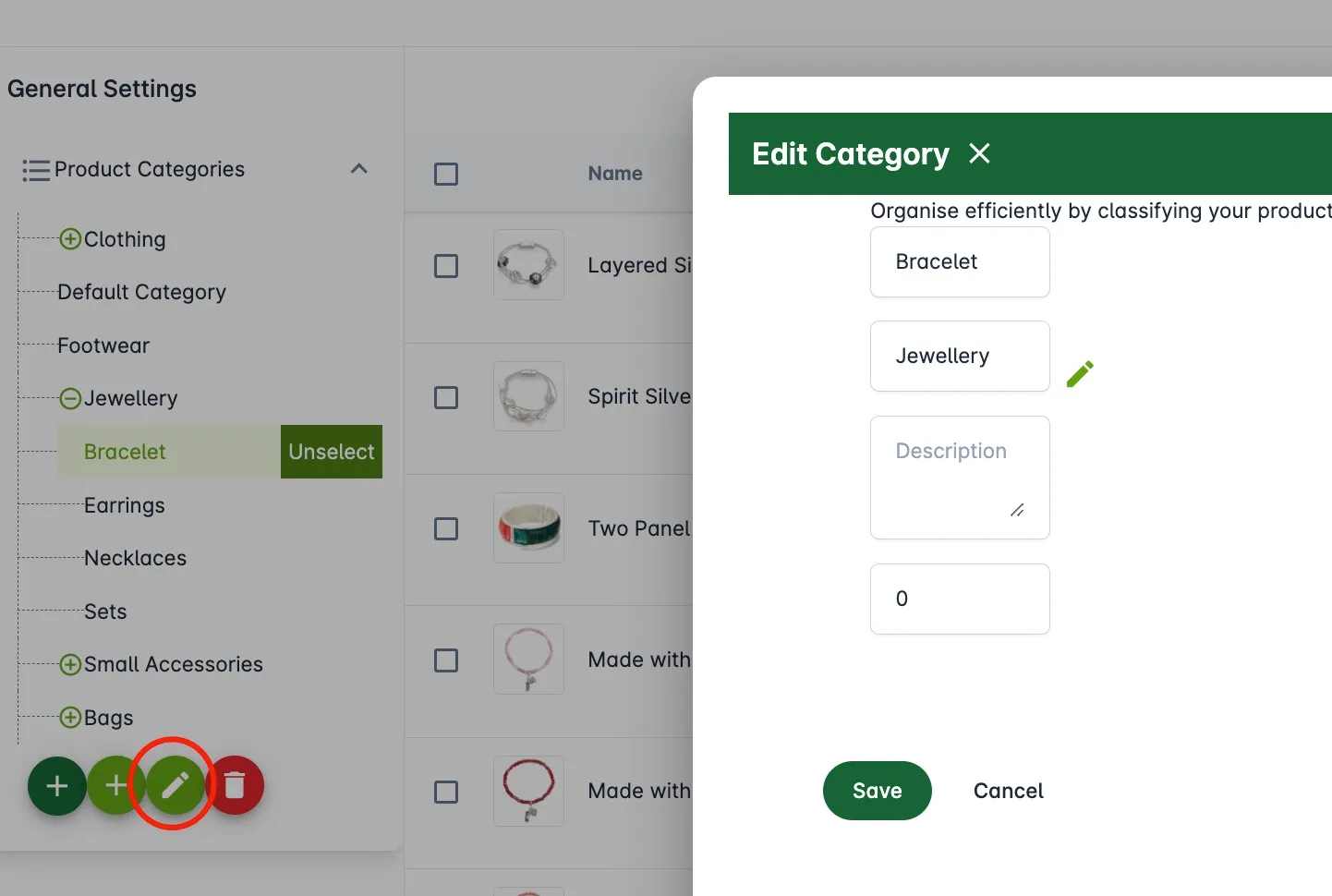
Edit category information